
Scheduling a meeting
- To schedule a meeting with any of our staff, please start by sending an email to biof-imaging@colorado.edu.
- You will receive an automated reply that contains a link to our Microsoft Bookings page. The email should be sent as soon as the system receives your email. If you do not receive a reply, please check your Spam/Junk email folders.
- Follow the link in the email to get to the Bookings page.
- Students: Due to recent changes related to the Microsoft Exchange migration, some students may encounter issues using the Bookings page. If you encounter issues visiting the page, try opening the page in a Private tab.
- Students: Due to recent changes related to the Microsoft Exchange migration, some students may encounter issues using the Bookings page. If you encounter issues visiting the page, try opening the page in a Private tab.
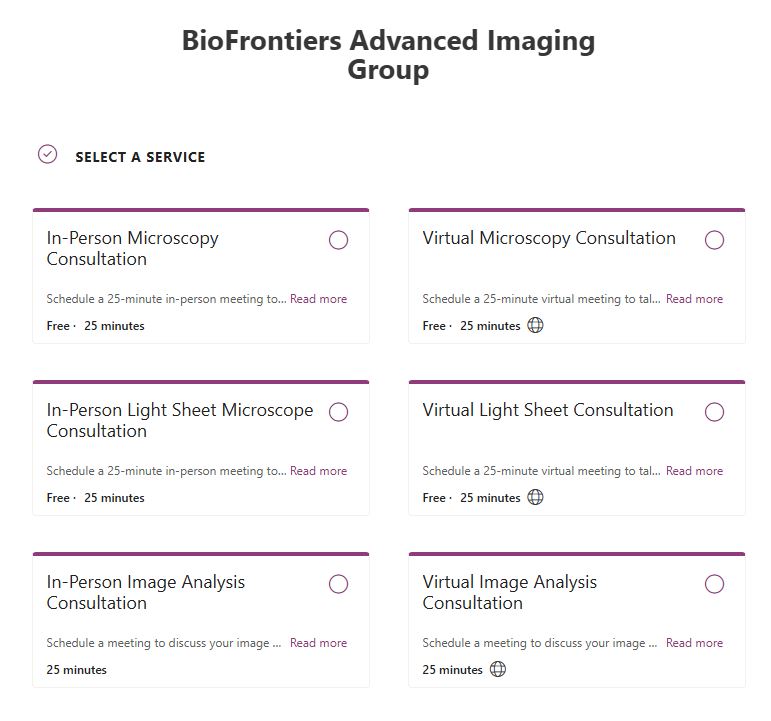
- On the page, select a service:
- Microscopy: For all microscopy related questions or training NOT related to the light sheet
- Light sheet microscope: For all light sheet microscope questions or training
- Image analysis: For all image and data analysis
- If you are unsure which service you need, please reply to the ticket email.
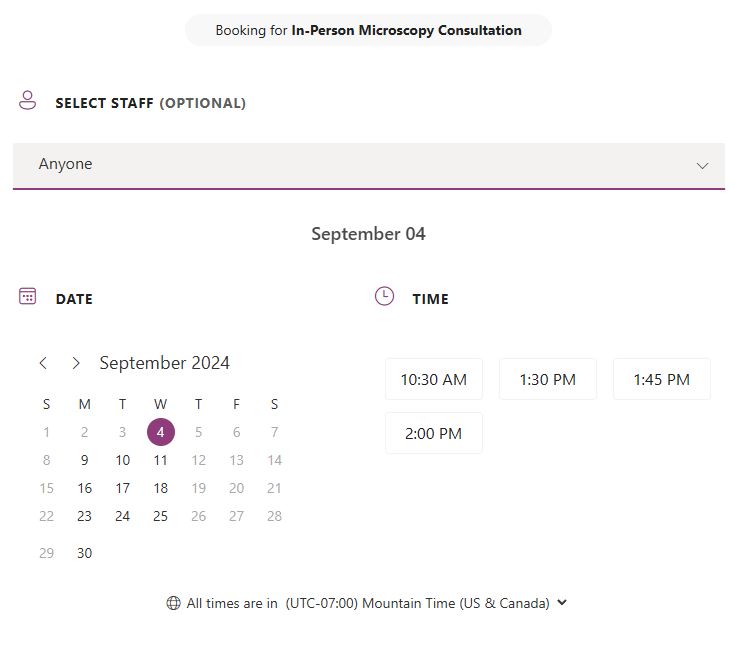
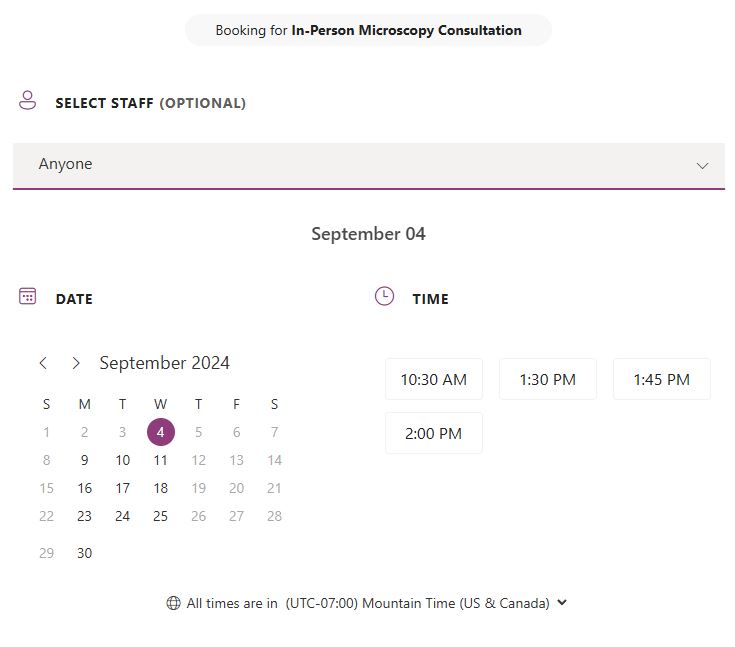
- Once a service is selected, you can browse the calendar to find a day and time for the meeting.
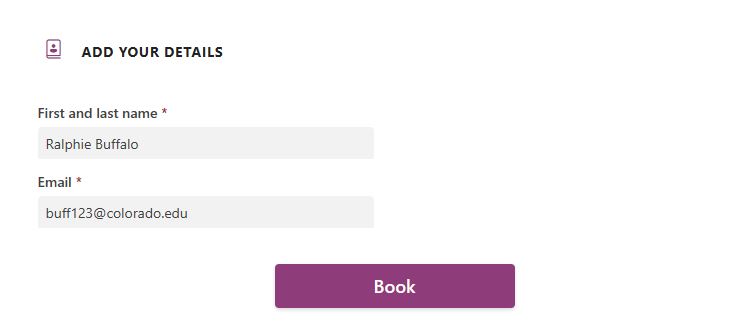
- Finally, enter your name and contact email.
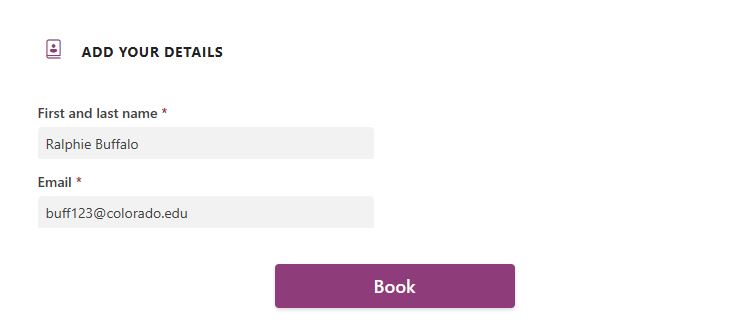
- Click Submit to schedule the appointment. You will receive a confirmation email. Please save this email as it contains a link in case you need to cancel or reschedule your appointment.
No Comments